 Español
Individual desks
Let employees choose a specific workstation by day or time directly from the office plan.
For hybrid offices and flexible teams
14 days free · Then only €7/month, VAT included
Recreate your real office, show employees what is free and give every person the right booking permissions—without spreadsheets or endless chat messages.
No card required · Up to 3 designs and 50 users · Invited employees do not pay
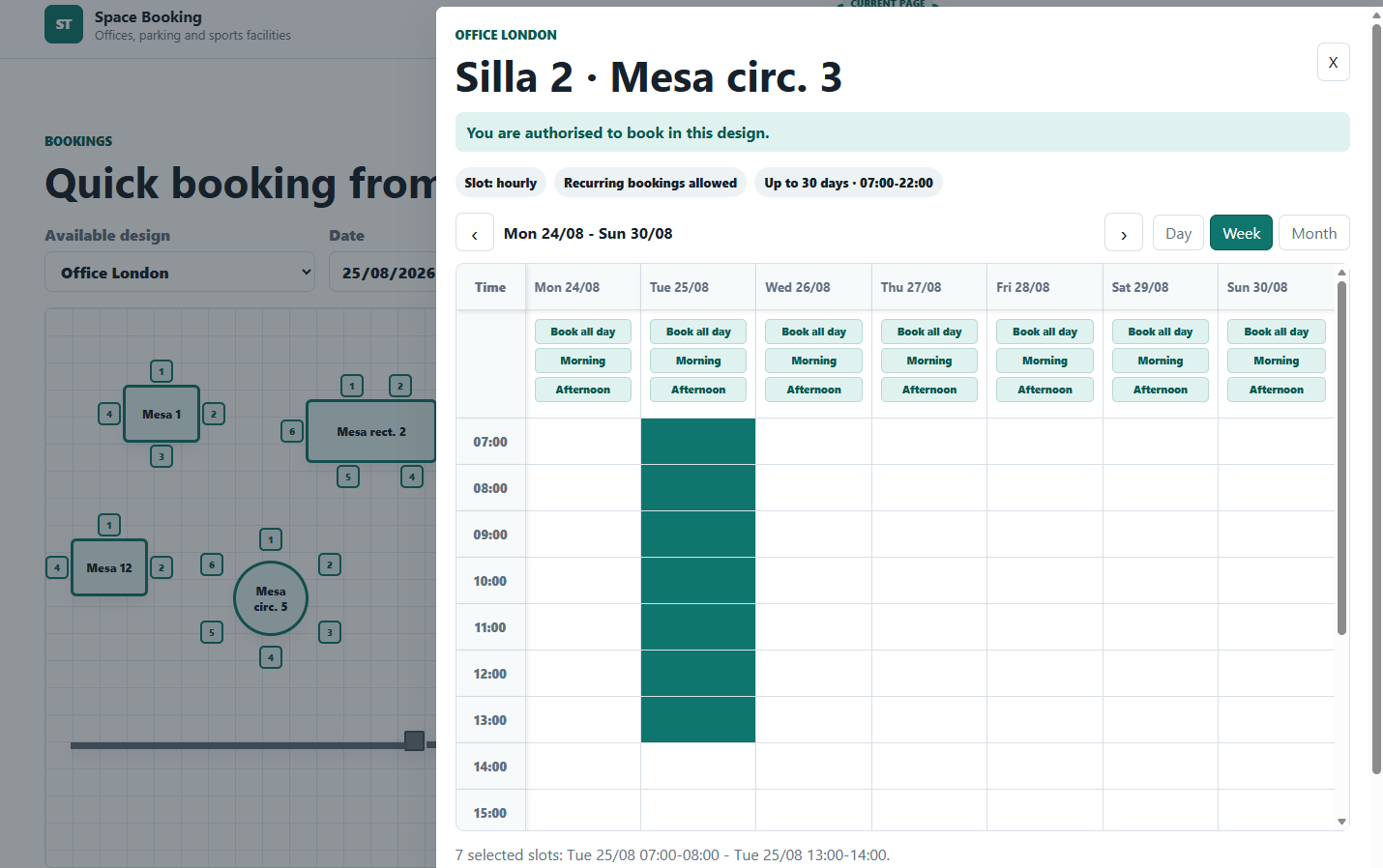
One clear office map
Employees see the real layout, availability and rules before choosing their place.
Let employees choose a specific workstation by day or time directly from the office plan.
Book one seat or, when permitted, reserve a complete table for a team working session.
Represent meeting tables and collaborative areas on the same plan as the rest of the office.
Configure multiple spaces, recurring bookings, daily hour limits and booking horizons per employee.
Allow repeated office attendance while preventing conflicts with existing reservations.
Manage users, designs, subscriptions and booking activity from a private back office.
Ready in three steps
Place desks, tables, chairs, walls and columns on the visual grid.
Open the designerDefine office hours and booking limits for the design and individual employees.
They receive an email and can reserve the available workspace that suits them.
Affordable office booking
Up to 3 office designs and 50 users. Contact us for a tailored plan if your organisation needs more.
Frequently asked questions
No. Only the account responsible for the office designs needs an active subscription.
The designer can remove access. Active bookings for that design are released, and the access removal remains recorded in the audit trail.
Yes. Individual settings can control whole tables, multiple workspaces, recurrence, maximum daily hours and the booking horizon.
Yes. Company designs can be transferred to another registered designer with an active subscription, preserving designs, bookings and invited users.
Designing and booking are paused until the subscription associated with the organisation becomes active again.
Create the first visual office plan today—no card required.
Start your 14-day free trial